


Apple TV connects for itself
No router changes and no effect on other devices. Manage the screen in front of you.
Clash for Apple TV
Put your own profile on Apple TV, choose a route, and start watching. Leave the router alone and do not make every device in the house follow along—manage the screen in front of you.
If your Apple ID region is mainland China or Russia, switch to another App Store region to install.
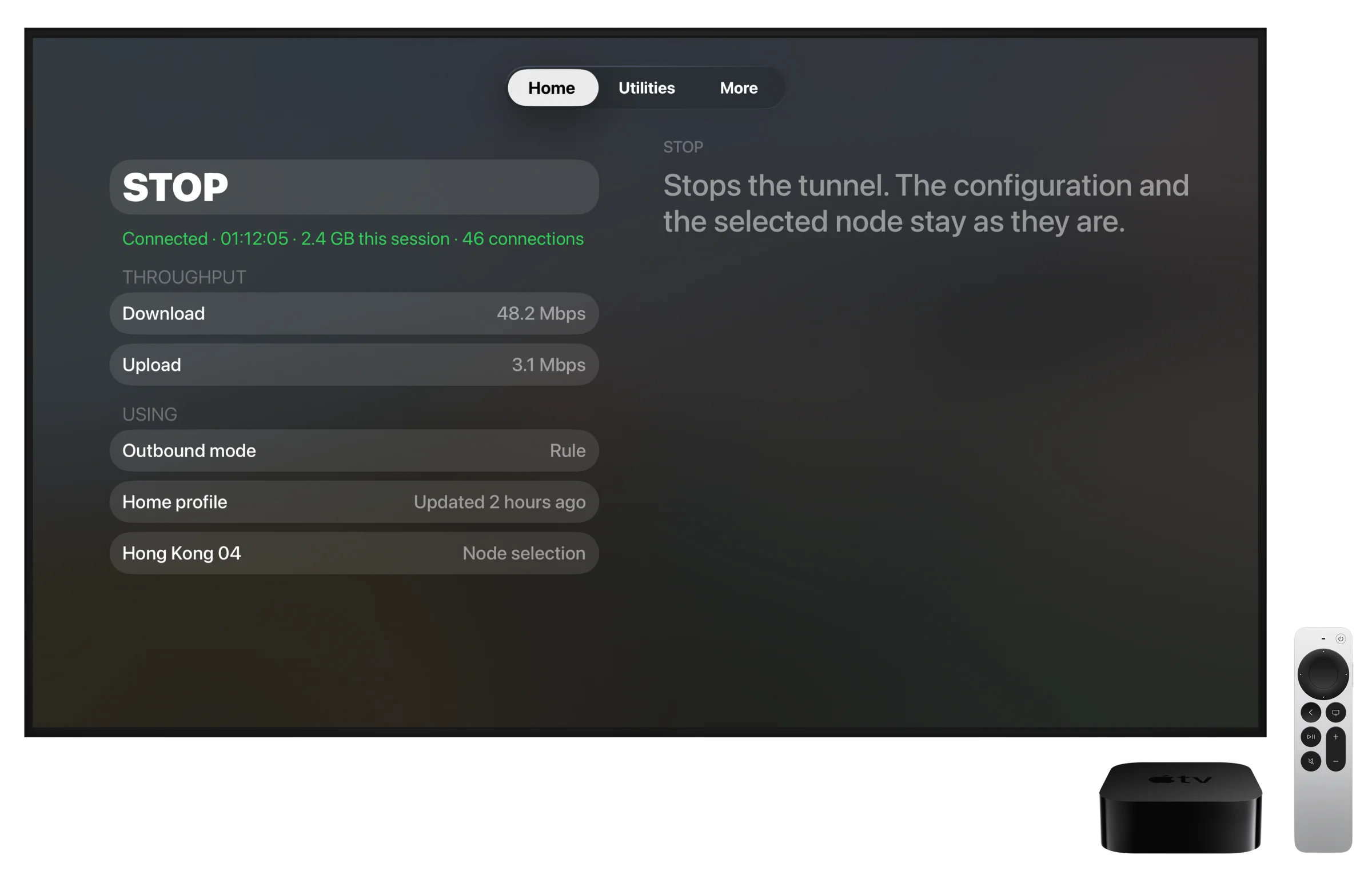
Made for the living room
No router changes and no effect on other devices. Manage the screen in front of you.
Connections handled by Clash follow the routes defined by your profile.
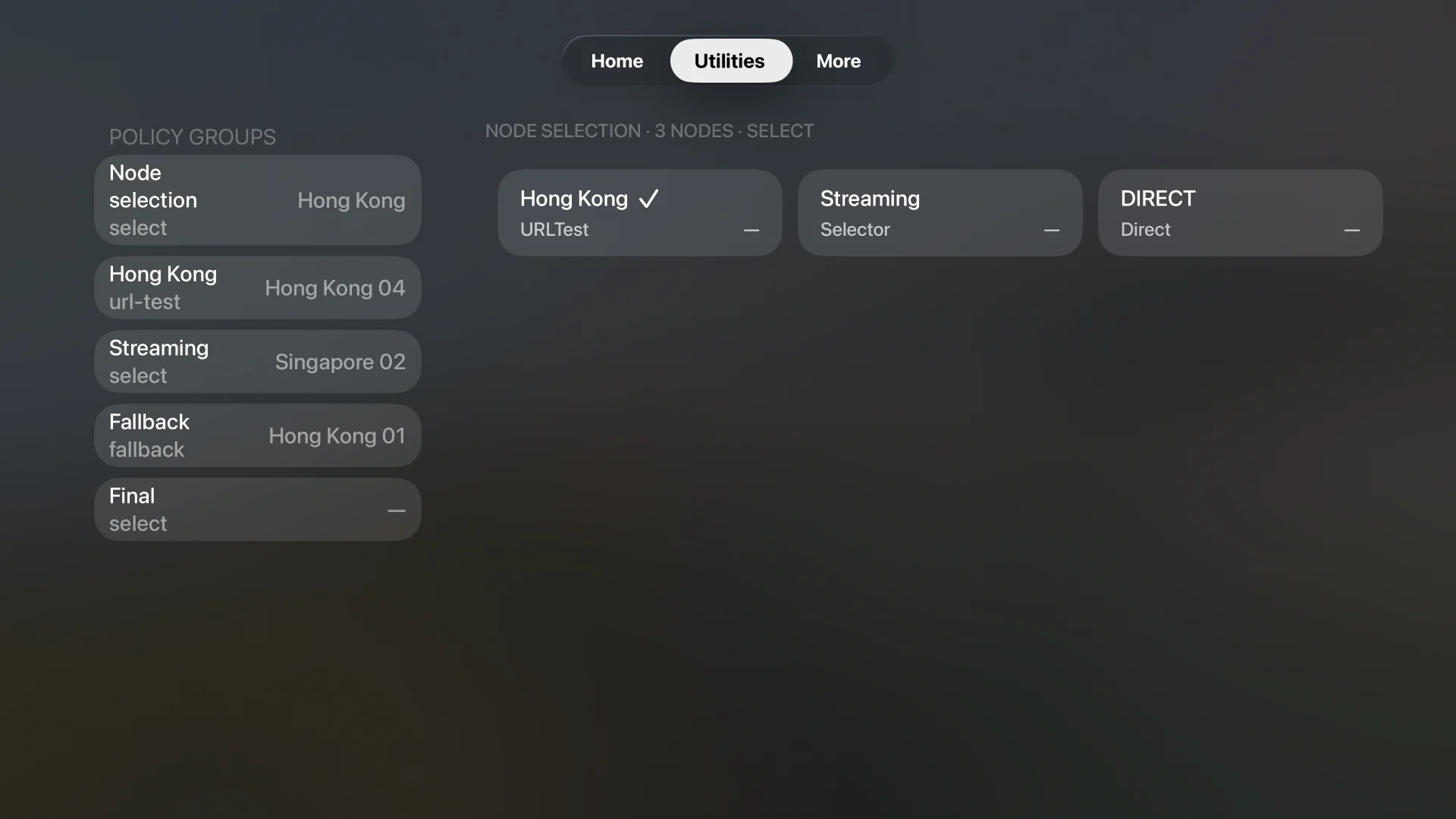
Browse policy groups and nodes, view latency history, and choose with the Siri Remote.
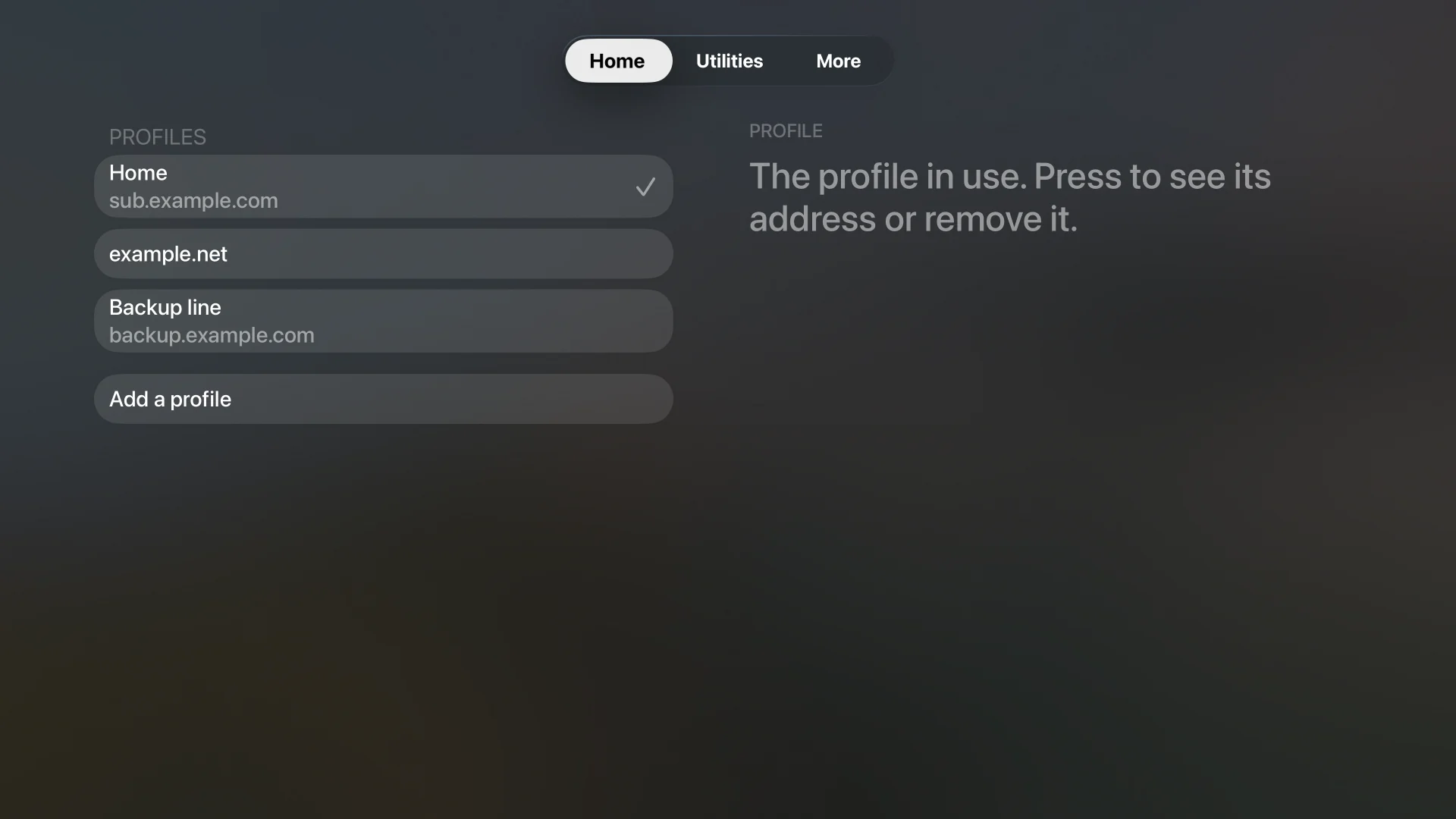
Enter or paste a profile address from a nearby iPhone or iPad.
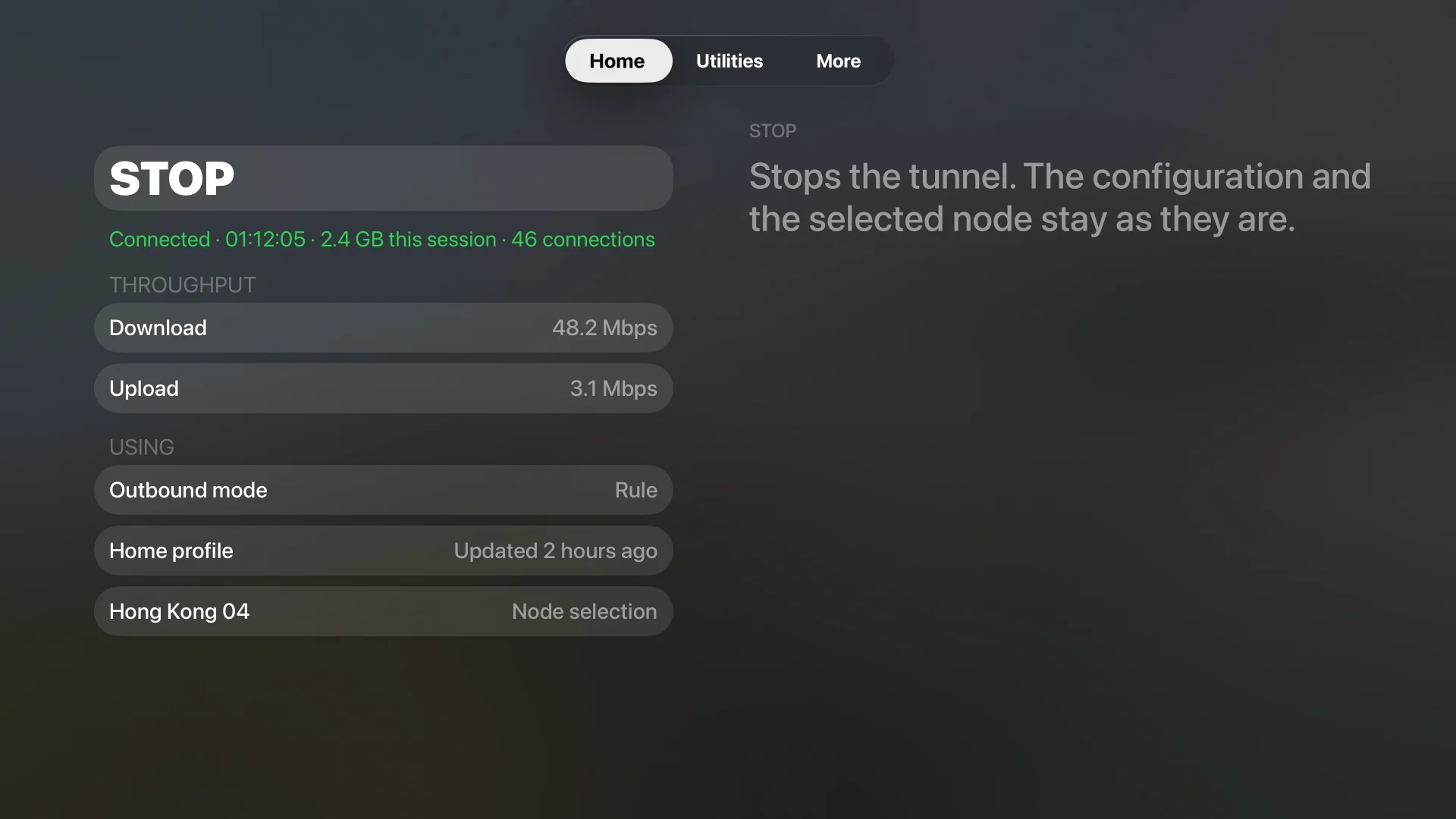
Status, profiles, and important actions are laid out for TV distance—not enlarged from mobile.
Keep multiple profiles together and change services or situations without rebuilding your network.
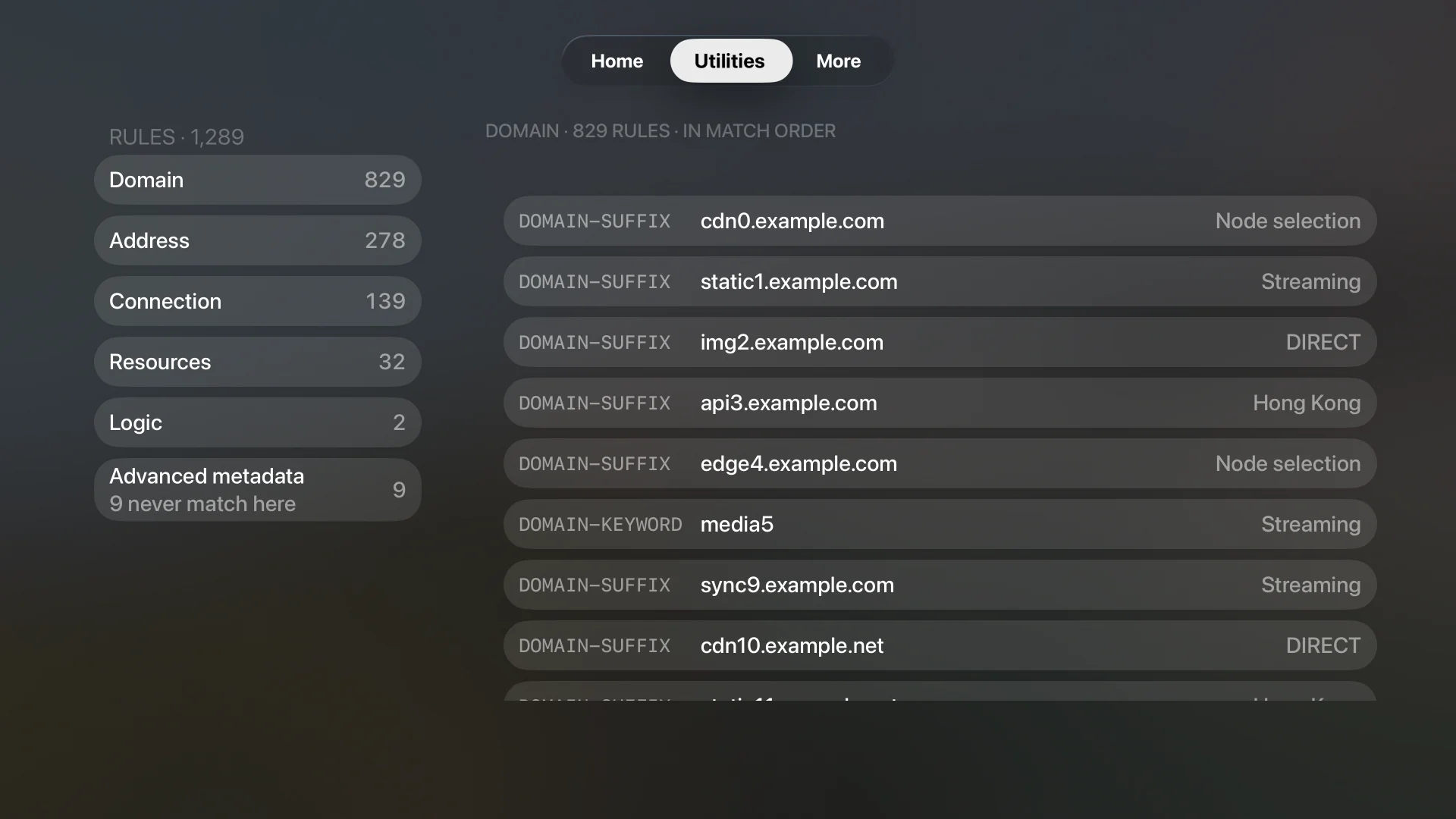
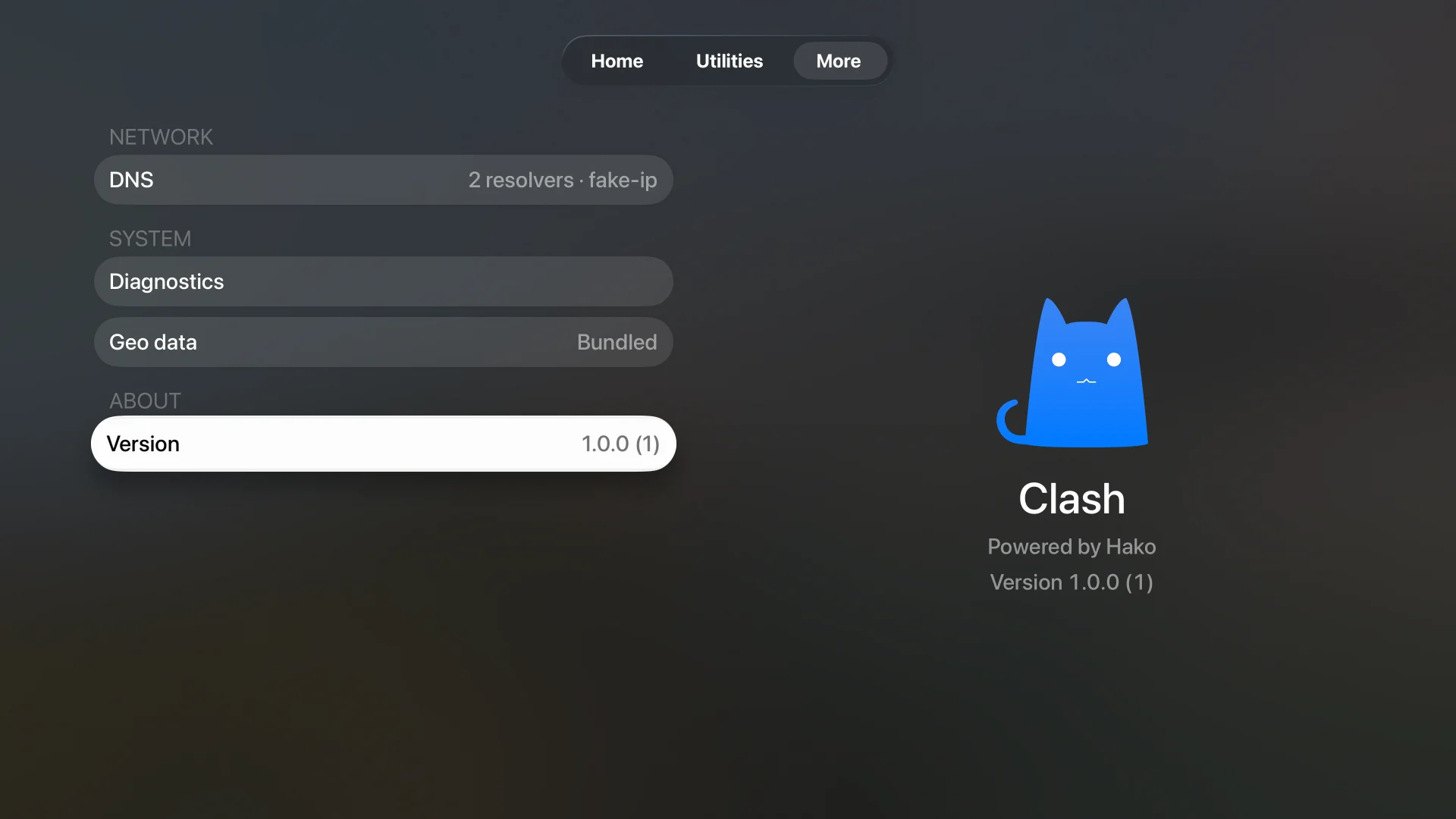
A closer look
Security and privacy
Clash has no account, analytics, advertising, tracking, or automatic diagnostics upload. Hako kernel source and SDK releases are public, keeping the network foundation open to inspection.
Read the privacy model →