


At hand in the menu bar
Connect, disconnect, switch modes, and see live speed without interrupting your work.
Clash for Mac
Clash handles connections by your rules in the background. Connection, mode, and speed stay close in the menu bar, with active connections, rules, and logs ready when you want a closer look.
If your Apple ID region is mainland China or Russia, switch to another App Store region to install.
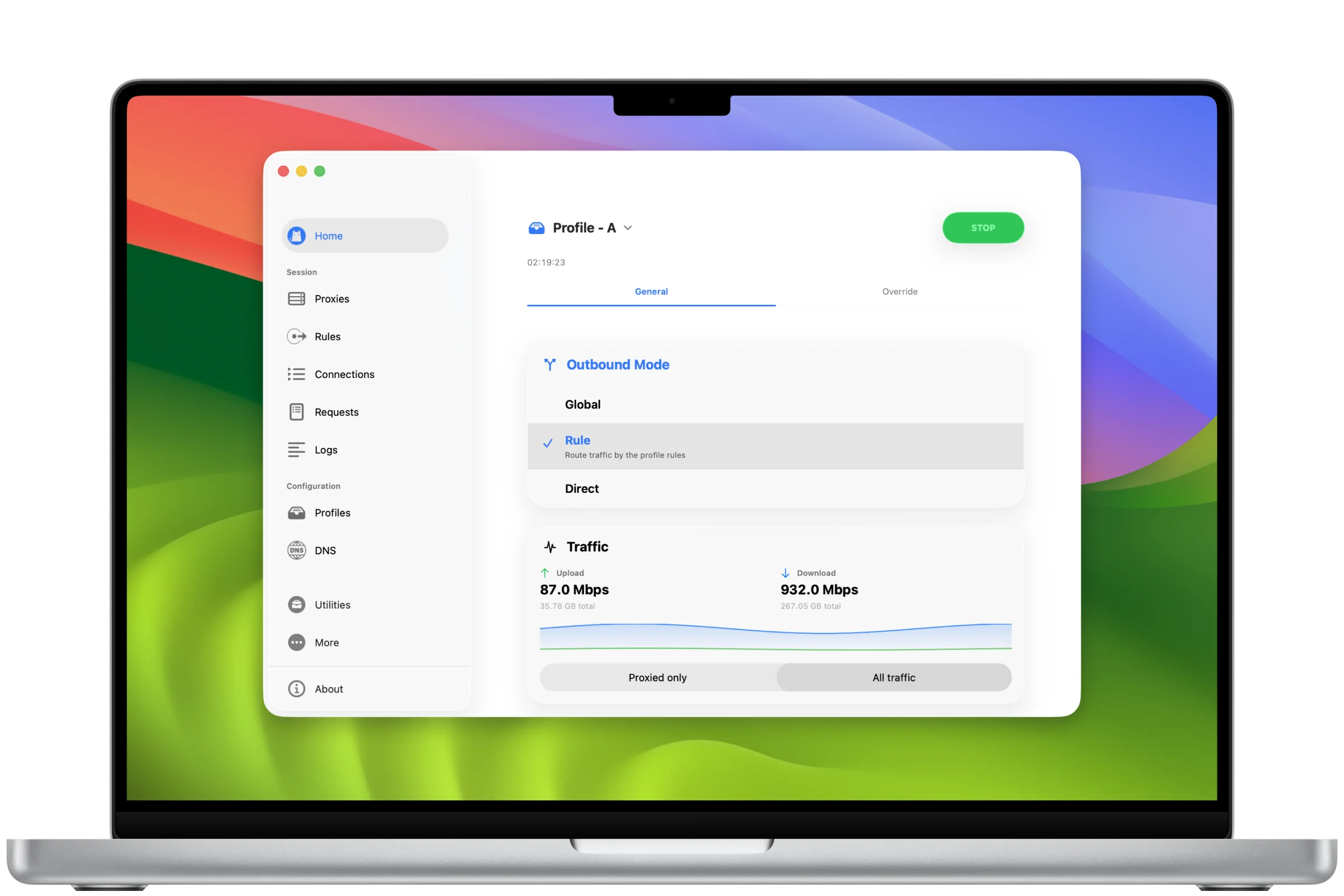
Made for macOS
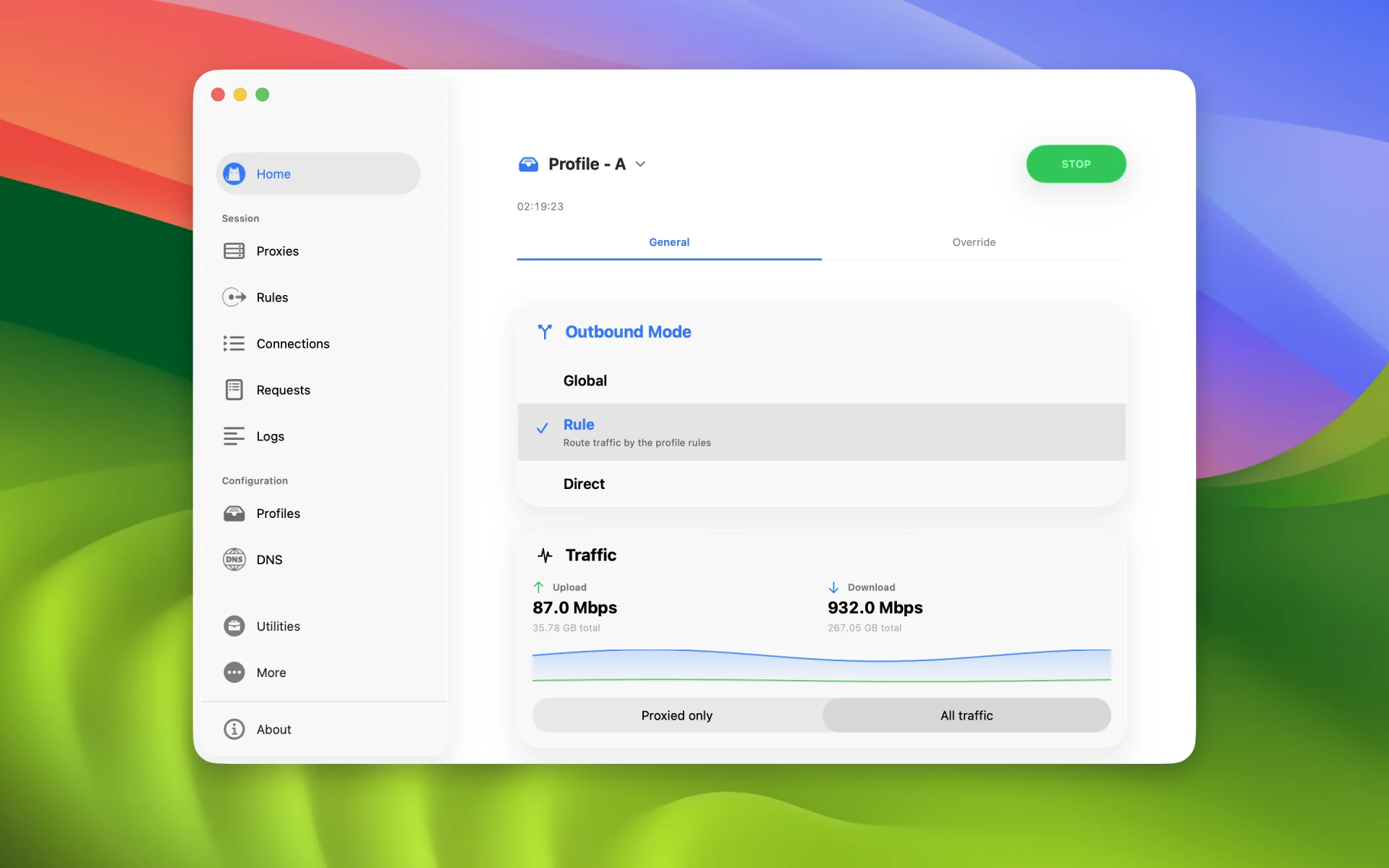
Connect, disconnect, switch modes, and see live speed without interrupting your work.
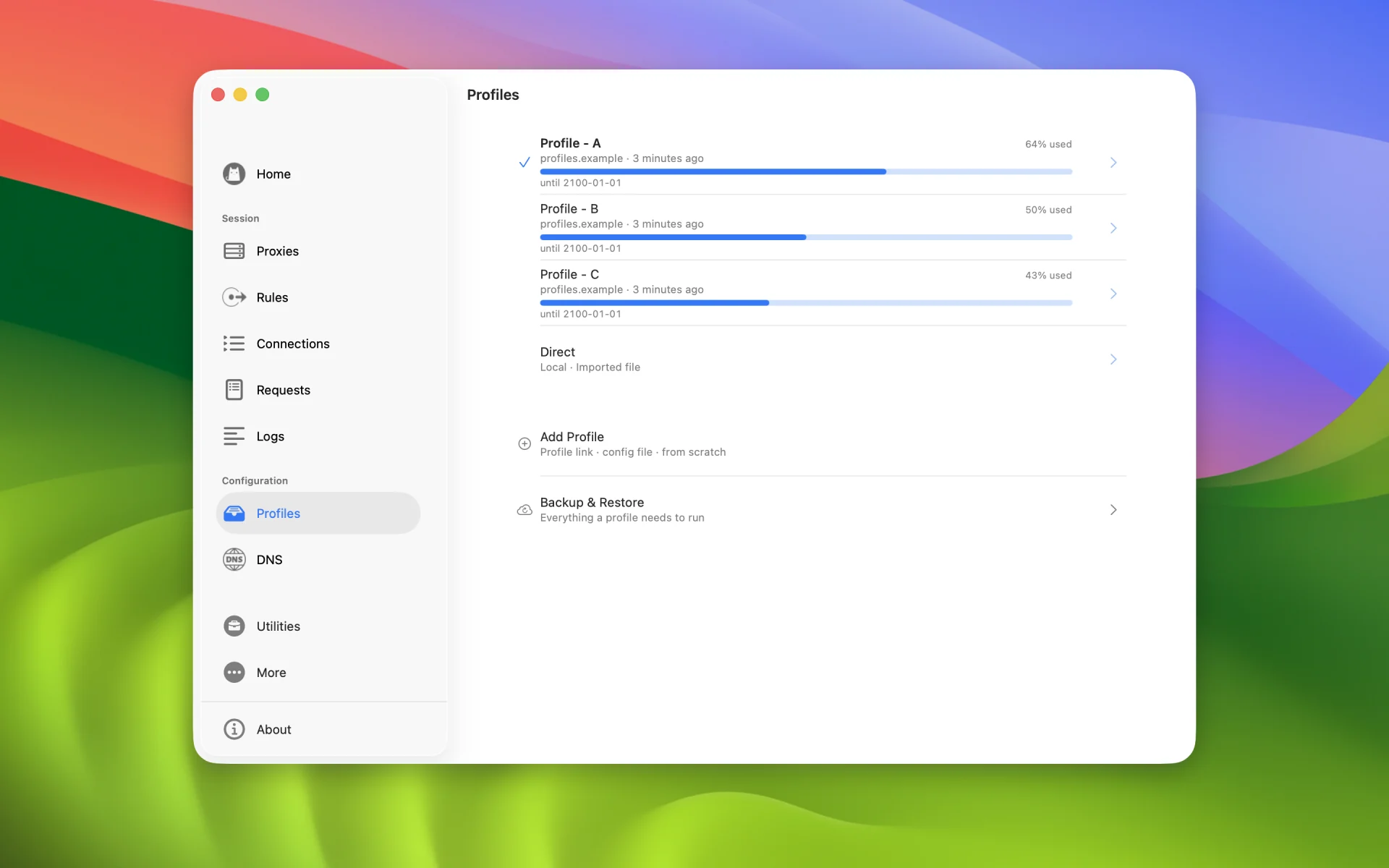
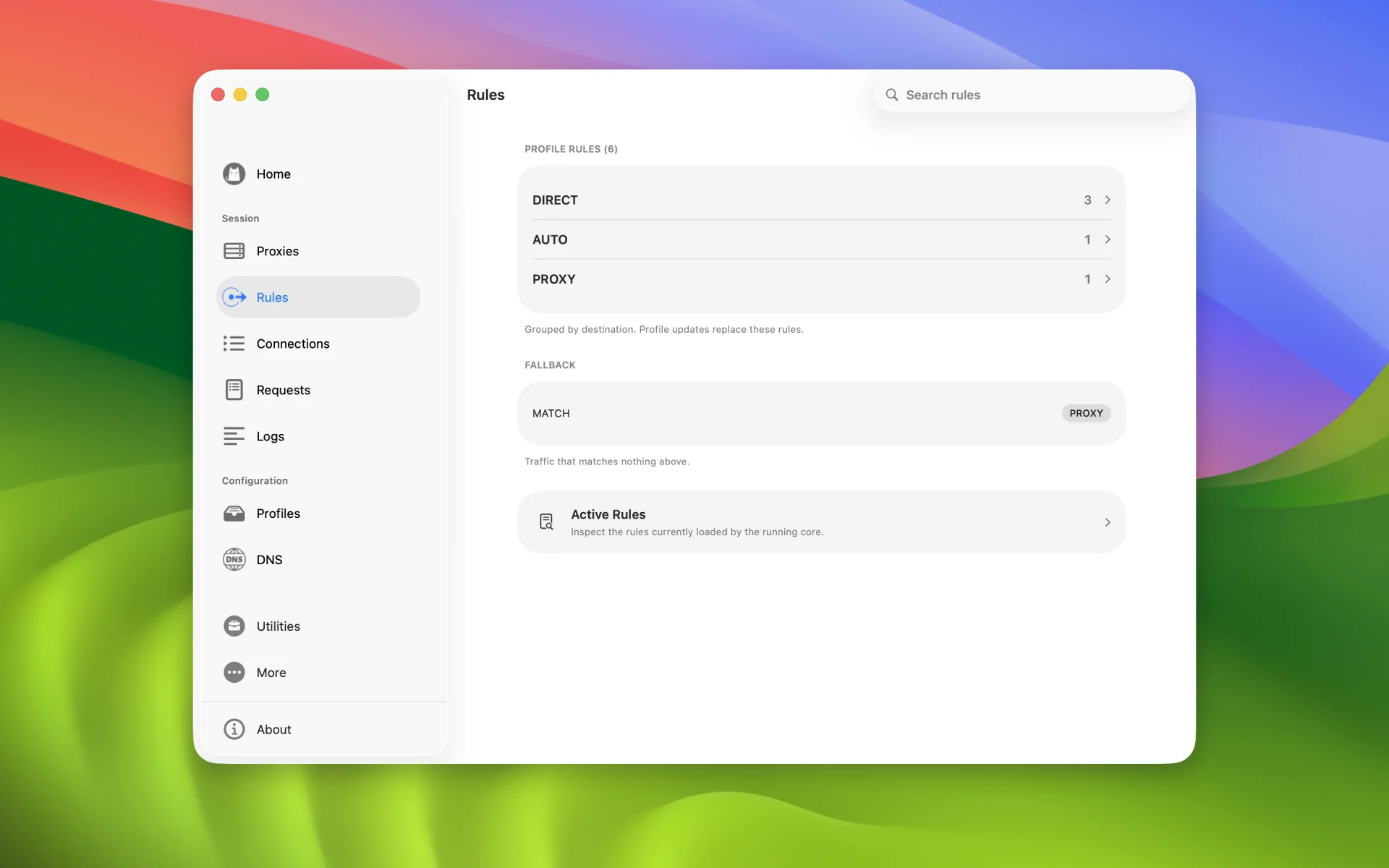
Route browsers, download tools, and development environments by process name, executable path, or UID.
Active connections, recent history, matched rules, and logs stay together—with less guesswork.
Use Shortcuts to start, stop, and change modes in a workflow that is yours.
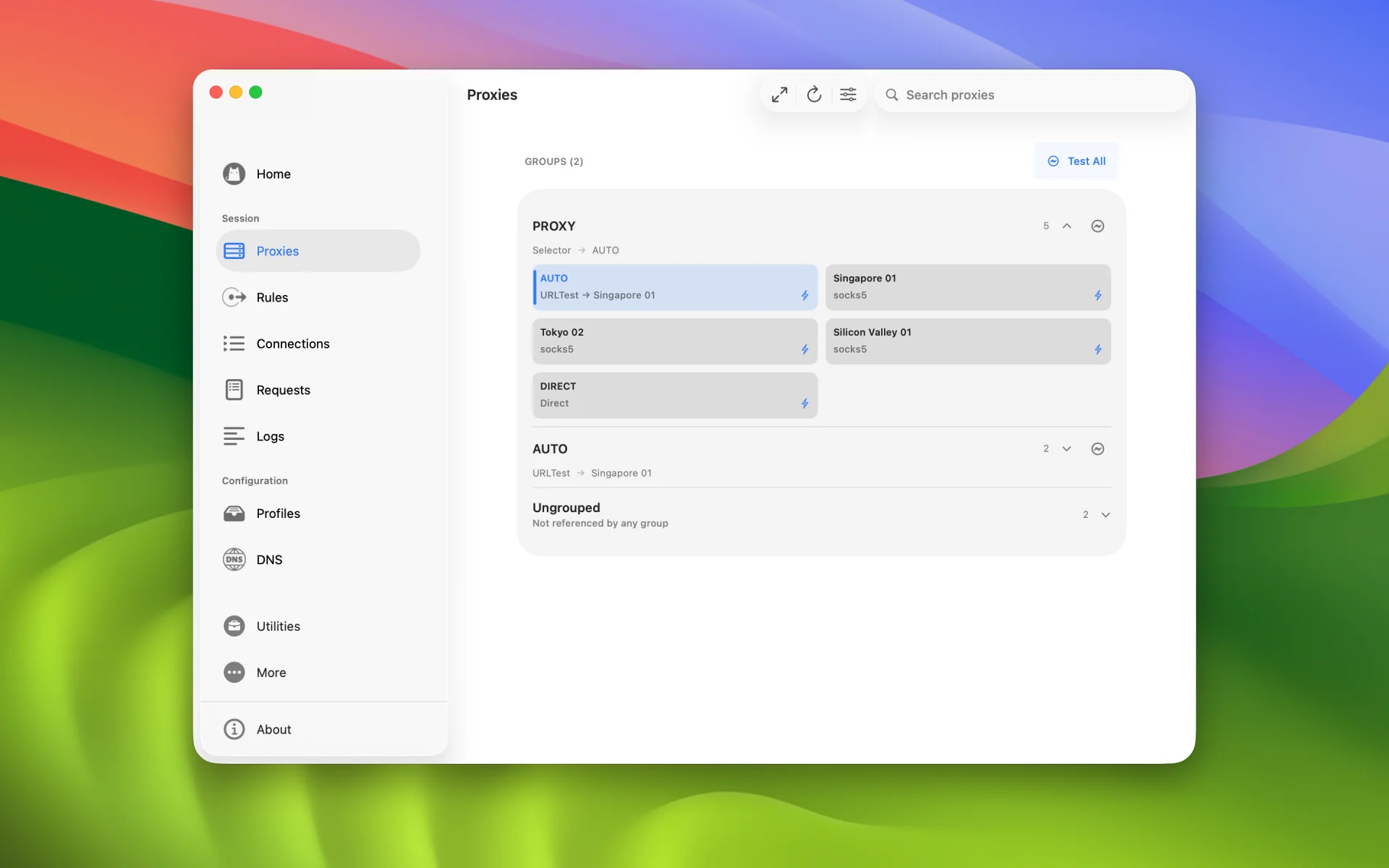
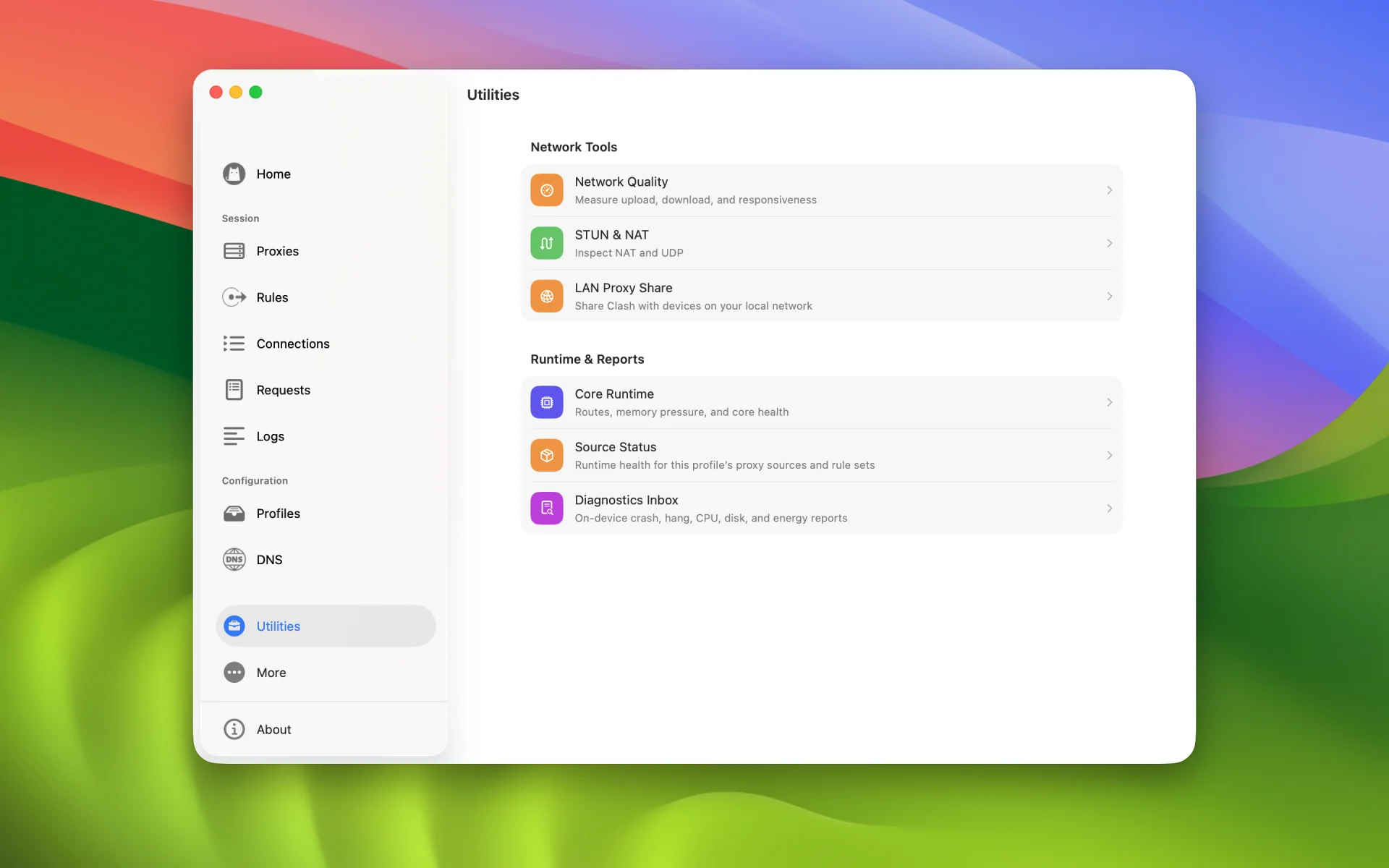
Check node latency, DNS queries, network quality, and NAT status inside Clash.
A native window, keyboard, pointer, and menu bar—not a mobile interface stretched onto the desktop.
A closer look
Security and privacy
No account, analytics, or automatic log and diagnostics upload. Hako kernel source and SDK releases are public, keeping the network foundation open to inspection.
Read the privacy model →