


Connect your way
Control Center, Shortcuts, and Siri are all ready when you are.
Clash for iPhone + iPad
Start a connection from Control Center, Shortcuts, or Siri. Clash responds to Wi-Fi and cellular changes on your terms, while routes and connections stay clear in the app.
If your Apple ID region is mainland China or Russia, switch to another App Store region to install.
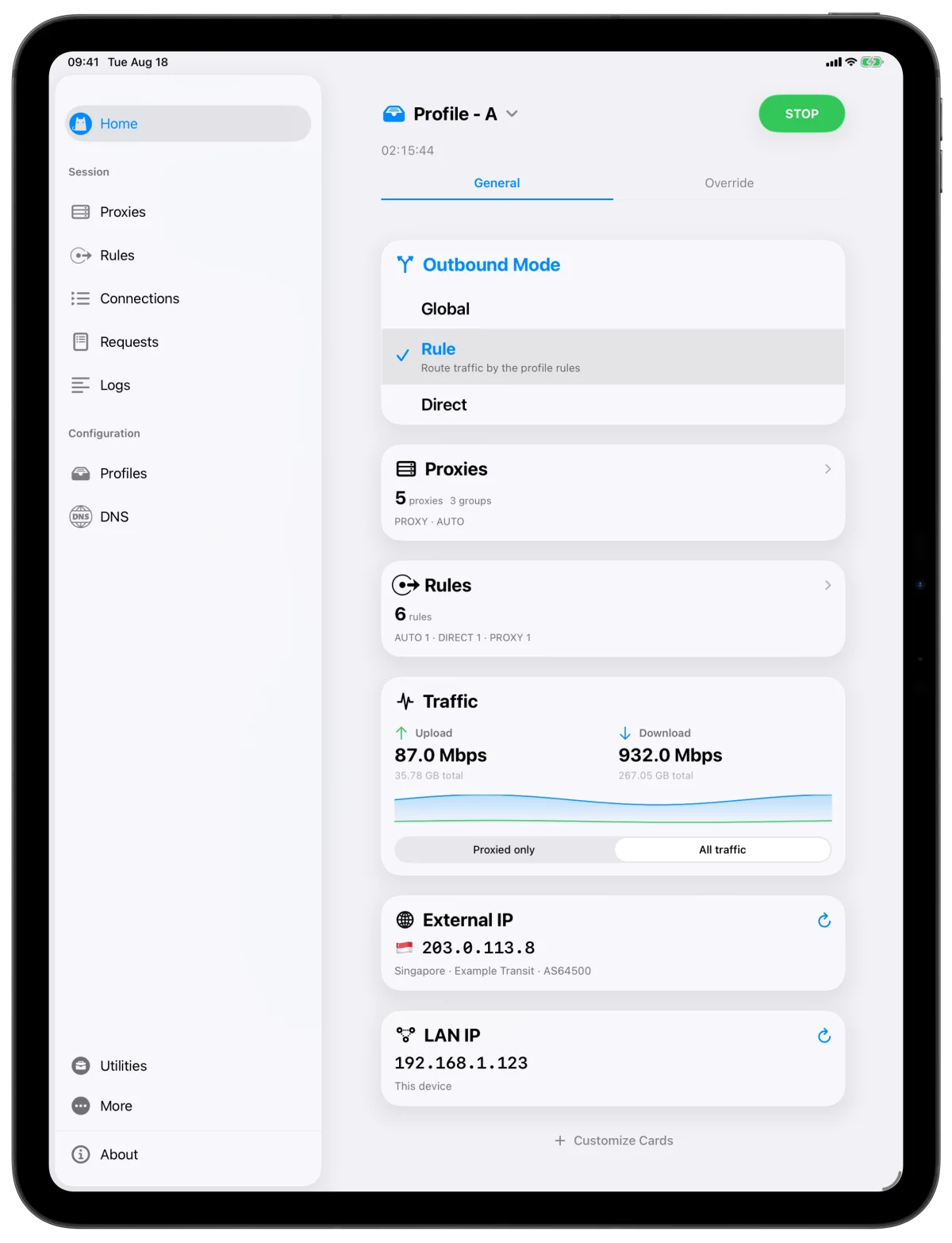
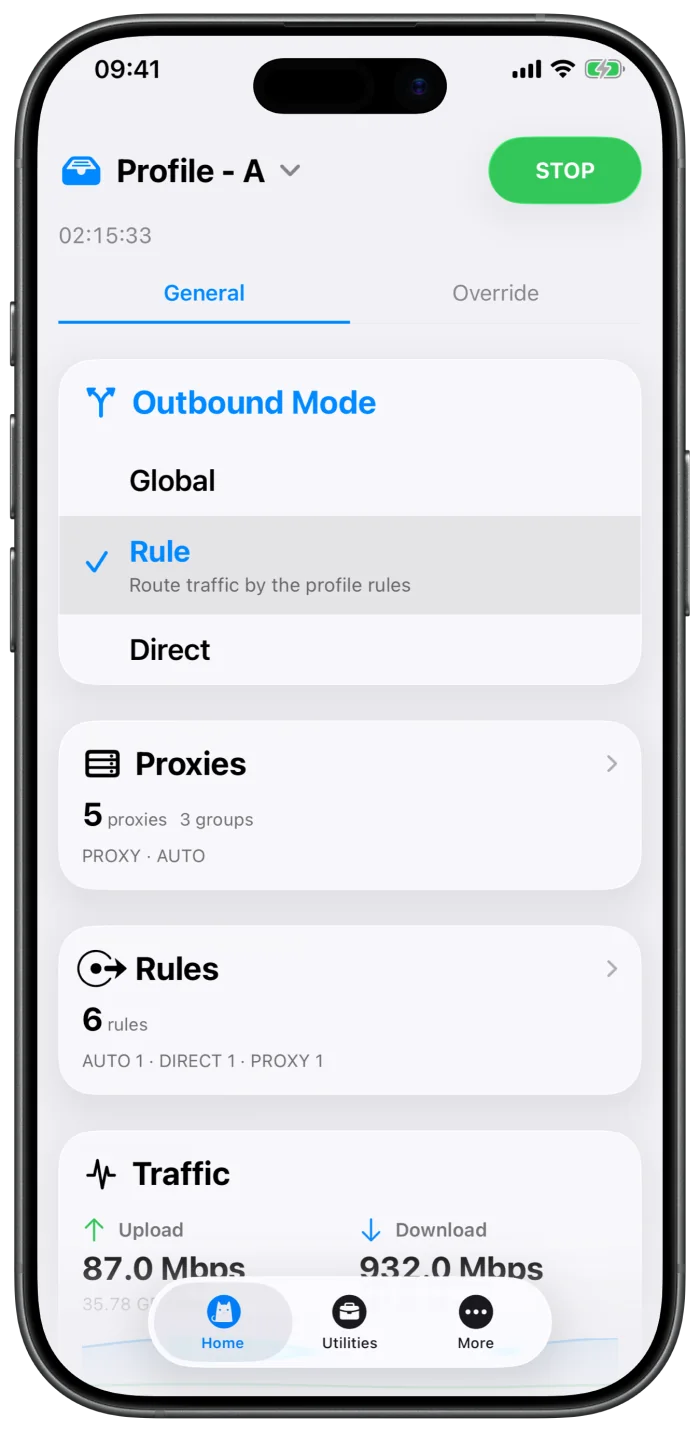
Made for mobile
Control Center, Shortcuts, and Siri are all ready when you are.
Move from home Wi-Fi to cellular and let your own conditions decide when Clash connects.
Add an existing Profile URL or YAML configuration, then update, switch, and adjust it in one place.
See the destination, matched rule, and proxy chain together—the actual route at a glance.
Check node latency, DNS queries, network quality, and NAT status inside Clash.
Move fast on the small screen and use the extra canvas on iPad without losing capability.
A closer look
Security and privacy
No account, analytics, advertising, tracking, or automatic diagnostics upload. Hako kernel source and SDK releases are public, keeping the network foundation open to inspection.
Read the privacy model →